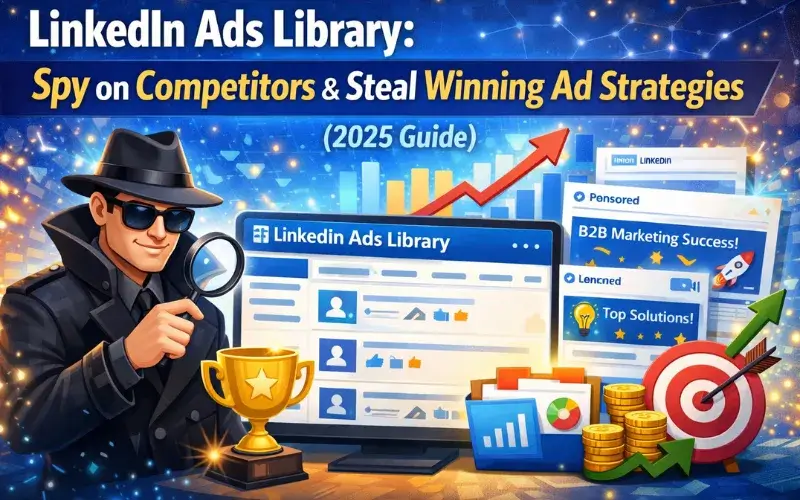
Imagine unlocking every ad your competitors have run on LinkedIn over the past year. The LinkedIn Ads Library makes this possible in 2026, giving marketers a transparent window into real campaigns that drive results. With fresh updates to search filters and EU targeting details now fully visible, it’s easier than ever to spot what’s working.
Whether you’re in B2B or scaling a service business, this free resource levels the playing field. You can search by keyword, advertiser, or country and see creatives, targeting hints, and performance clues without guessing.
The best part? Anyone can dive in right now and start stealing smart ideas ethically. The LinkedIn Ads Library has become the go-to tool for staying ahead in a platform where professional attention is gold.
What Is the LinkedIn Ads Library in 2026?
The LinkedIn Ads Library is LinkedIn’s public database of every ad that has run on the platform. Launched to meet transparency laws like the EU’s Digital Services Act, it now holds a full 365-day archive of campaigns from June 2023 onward.
You’ll find ad previews, formats, first and last impression dates, and even impression counts by country. It’s all searchable and available to anyone—no login required for basic use.
In 2026 the library feels more polished than ever, with faster loading and clearer targeting breakdowns for EU-focused ads.
Key Features and Latest Updates
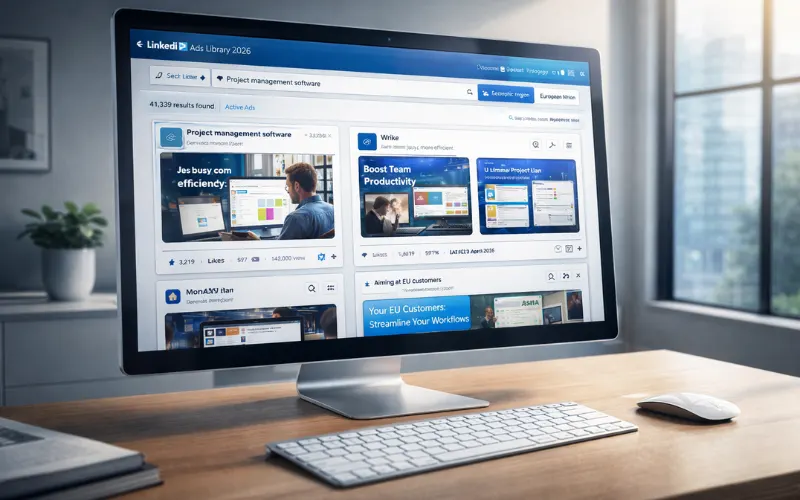
Search options include advertiser name, payer name, keyword, country, and date range. For EU-targeted ads, click “More” to filter by impression range and detailed targeting parameters.
Each entry shows the ad creative, format type, restricted status if applicable, and total impressions. You also get country-level breakdowns and exact run dates. An external API is available for developers who want to pull data programmatically.
The 2026 updates focus on smoother indexing and quicker updates—ads appear within 24-48 hours of their first impression. This makes the LinkedIn Ads Library sharper for ongoing competitor monitoring.
How It Differs from Meta and Google Ad Libraries
Unlike Meta’s broad consumer focus or Google’s search-heavy transparency, the LinkedIn Ads Library shines in B2B. You see professional targeting like job titles, industries, and skills right in the details.
Meta and Google libraries emphasize political ads more heavily, while LinkedIn keeps the spotlight on commercial campaigns. Performance clues here feel more actionable for lead-gen strategies because the audience is decision-makers.
The 365-day archive and EU-specific filters give it a unique edge for global teams.
Why Every Marketer Needs the LinkedIn Ads Library Right Now
In 2026, B2B budgets keep rising while attention spans shrink. The LinkedIn Ads Library lets you peek at what top performers are testing before you spend a dollar.
You save weeks of trial-and-error by studying real creatives and offers that already converted. It’s like having a free research team working 24/7.
Marketers who ignore it fall behind. Those who use it regularly report sharper campaigns and higher ROI.
Benefits for B2B Lead Generation in 2026
Lead-gen forms and conversation ads dominate here. By studying the LinkedIn Ads Library you discover which headlines and offers pull the most impressions in your niche.
You can reverse-engineer targeting that reaches CFOs or IT directors without wasting budget on broad tests. Many teams now combine library insights with their own CRM data for hyper-personalized follow-ups.
The result? Faster pipeline growth and lower cost per qualified lead.
How to Access and Navigate the LinkedIn Ads Library (Step-by-Step)
Head to linkedin.com/ad-library/home in any browser. No account needed for basic searches, though signing in unlocks a few extra sorting options.
Type an advertiser name or keyword in the search bar, pick a country, and set your date range. Hit enter and scroll through results sorted by recency or impressions.
For deeper dives, use the filters on the left. Export options or screenshot tools help you build your own swipe file.
Quick Start Guide for Beginners
Start simple: search your biggest competitor’s name plus a keyword like “demo” or “pricing.” Limit the date range to the last 90 days for fresh campaigns.
Click any ad to expand details. Note the creative, headline, and any visible targeting. Save interesting ones in a folder on your desktop.
Repeat for three competitors and you’ll already have dozens of ideas. This quick process using the LinkedIn Ads Library takes under 15 minutes.
Pro Navigation Tips and Hidden Filters
Use the payer name filter when company pages hide ads under parent brands. For EU campaigns, always expand the “More” button to see exact inclusion and exclusion targeting.
Sort by impression count descending to find proven winners fast. Combine keyword searches with date ranges to track seasonal shifts.
Pro tip: open multiple tabs—one for your niche, one for adjacent industries—to spot cross-over trends. These hidden filters turn the LinkedIn Ads Library into a strategic weapon.
Spy on Competitors Like a Pro Using the LinkedIn Ads Library
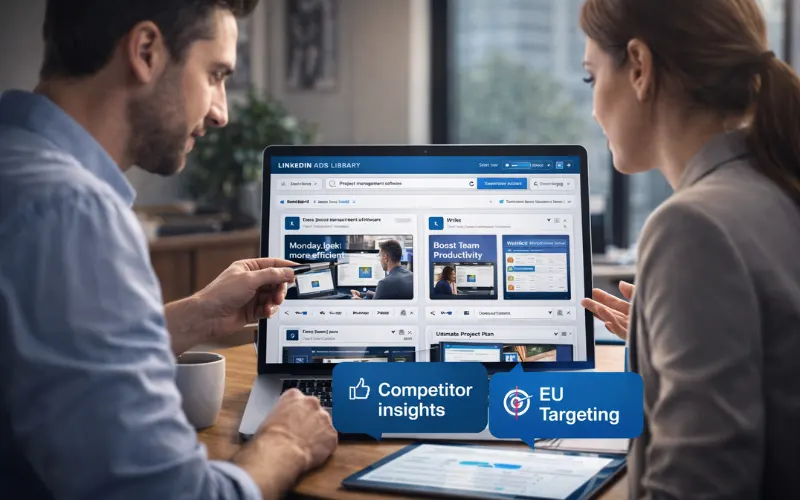
Competitor spying used to mean guesswork or expensive tools. Now the LinkedIn Ads Library delivers everything publicly and instantly.
Search their exact company name, then filter by country where they’re strongest. You’ll see every sponsored post, video, and message ad they’ve tested.
Watch for patterns: do they push webinars in Q1? Switch to free trials in summer? These clues are pure gold.
Smart Search Strategies to Find Competitor Ads Instantly
Combine their brand name with LSI keywords like “ROI” or “case study.” Add a country filter for international teams.
Use date-range sliders to isolate launch periods—new product drops often show clustered ads. For broader inspiration, search industry keywords without a specific advertiser.
The LinkedIn Ads Library rewards creative queries; try payer names for agencies running client campaigns.
Reading Targeting, Creatives, and Performance Clues
Look at impression counts and run dates to gauge success. High impressions with long run times usually signal winners.
Study creatives for hooks in the first three seconds of video ads. Note targeting parameters visible on EU campaigns—job functions, seniority, and skills appear clearly.
You’ll be surprised to see how often top ads use simple benefit statements over flashy graphics.
Steal Winning Ad Strategies Ethically from the LinkedIn Ads Library
Stealing means adapting proven elements, not copying word-for-word. The LinkedIn Ads Library gives you the blueprint; your job is to customize for your brand voice.
Test one borrowed idea per week and track results. Most marketers who do this see lift within the first month.
Always add your unique angle so the strategy feels fresh.
Top Ad Formats That Are Crushing It in 2026
Video ads lead the pack with short educational clips and customer stories. Carousel formats shine for multi-step processes or feature lists.
Conversation ads with branching logic qualify leads right in the inbox. Lead-gen forms attached to sponsored content still convert at scale because profile data auto-fills.
Dynamic ads personalize headlines using job titles automatically. These formats consistently rack up the highest impressions when studied in the LinkedIn Ads Library.
Copywriting Formulas from Real High-Performing Ads
Many winners open with a bold question or stat, then deliver one clear benefit. The “problem-agitate-solve” structure appears again and again.
Use quantifiable outcomes: “cut reporting time by 40%” beats vague claims. End with a low-friction CTA like “See how it works.”
I’ve noticed high-impression ads keep body text scannable with short paragraphs and bold highlights.
Targeting and Offer Insights You Can Apply Today
Target by skills and seniority rather than just job titles for warmer leads. Offers that bundle free audits or quick-start guides perform strongest.
From the LinkedIn Ads Library you’ll see seasonal shifts—enterprise buyers respond better to ROI calculators in Q4.
Apply these insights immediately by mirroring successful offers in your next campaign.
Free and Paid Tools to Supercharge Your LinkedIn Ads Library Analysis
The library itself is completely free and requires no subscriptions. Pair it with Google Sheets to log impressions and dates for trend tracking.
Free browser extensions that auto-capture screenshots speed up your swipe file creation.
Paid options include AI analysis platforms that scrape the library and suggest variations. Some agencies offer custom dashboards built on the official API for enterprise teams.
These tools turn raw data from the LinkedIn Ads Library into actionable reports in minutes.
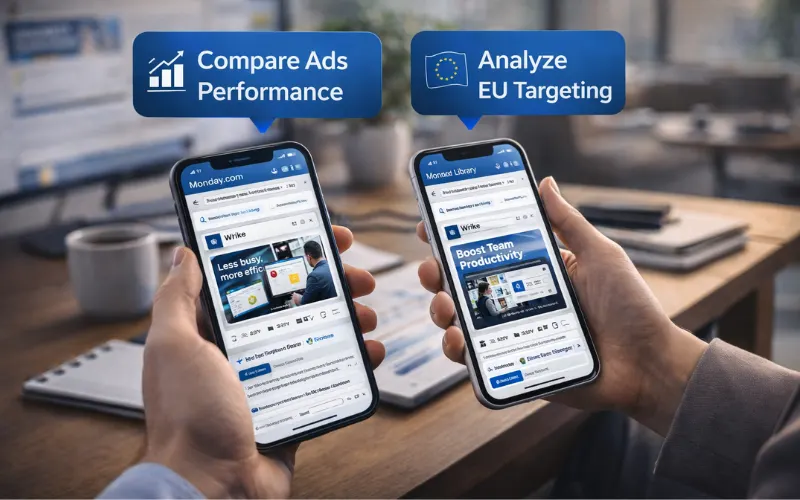
Real Case Studies: Brands That Won Big by Studying the LinkedIn Ads Library
A mid-sized SaaS company in project management noticed a competitor running consistent video testimonials. They adapted the format with their own customer stories and saw lead volume jump 35% in one quarter.
Another enterprise software firm studied targeting parameters in the library and refined their audience to include specific skills. Their cost per lead dropped 28% while pipeline quality rose.
A professional services brand copied the offer structure of high-impression ads—free strategy sessions—and booked 40% more discovery calls. Each case proves how studying the LinkedIn Ads Library delivers measurable wins.
Common Mistakes Marketers Make with the LinkedIn Ads Library (and How to Avoid Them)
One frequent error is ignoring the 365-day limit and assuming old ads still run. Always check last-impression dates to stay current.
Another mistake is copying creatives exactly without A/B testing your version. Adapt the concept and run your own split tests.
Some marketers skip EU filters and miss rich targeting data. Make “More” button clicks a habit.
Avoid treating impression counts as the only success metric—pair them with your own conversion tracking. These simple fixes keep your use of the LinkedIn Ads Library effective and ethical.
What’s Next? Future Trends for LinkedIn Advertising in 2026 and Beyond
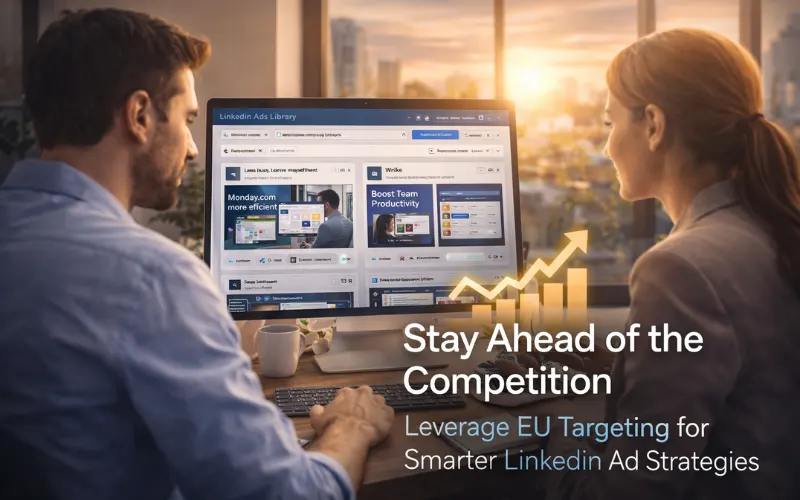
AI personalization will dominate, with campaigns adapting in real time to user behavior. Video and interactive formats will keep growing as attention shifts to short, value-packed content.
Conversation ads may evolve into AI-agent chats for instant qualification. Expect more reserved placements and premium inventory options for guaranteed reach.
The LinkedIn Ads Library will remain your best early-warning system. Keep checking it weekly to spot emerging trends before they hit your feed.
Conclusion
The LinkedIn Ads Library has transformed how smart marketers research, test, and optimize in 2026. By combining its transparent data with your own creativity you can spy ethically, steal smart strategies, and outperform competitors consistently.
Start today with one competitor search and watch fresh ideas flow. The library is free, always updated, and packed with proven tactics waiting to be adapted.
Don’t let another campaign launch without checking the LinkedIn Ads Library first. Your next big win is already running somewhere in its 365-day archive.
Frequently Asked Questions About the LinkedIn Ads Library
Is the LinkedIn Ads Library completely free to use?
Yes, anyone can access it without payment or LinkedIn premium. Basic searches work in any browser and the full archive of the last 365 days is open to the public. Even advanced filters for EU targeting are free.
How far back can I see ads in the LinkedIn Ads Library?
The archive holds ads for one full year after their last impression. Campaigns dating to June 2023 are still visible if they ran recently enough. Older ads drop off automatically.
Can I find my own ads in the LinkedIn Ads Library?
Absolutely. Search your company name and you’ll see every campaign that received at least one impression. It’s a great way to audit your own creative history alongside competitors.
Does the LinkedIn Ads Library show exact targeting for every ad?
Full targeting parameters appear for EU-targeted campaigns. Global ads show basic details plus impression counts and countries. Use the “More” button on relevant results for deeper insights.
How often does the LinkedIn Ads Library update with new campaigns?
New ads typically appear within 24-48 hours of their first impression. The system refreshes continuously so you always see the latest tests from competitors.
Are there any restrictions on using ideas from the LinkedIn Ads Library?
You can ethically adapt strategies, copywriting styles, and offers. Direct copying of creatives or trademarks is not allowed. Always test and personalize to stay compliant and original.
Can I export data or use the LinkedIn Ads Library API?
The public interface supports screenshots and manual notes. Developers can request access to the official API through LinkedIn’s developer portal for automated analysis and larger-scale research.